
Postgram Admin Brings Setup And Operations Into The Browser
July 12, 2026
Postgram now includes a browser-based Admin interface for the setup and maintenance work that previously pushed operators toward the terminal. It is a curated, security-conscious control plane for the supported path: onboarding, provider configuration, health and queue inspection, API keys, safe maintenance jobs, and staged backup and restore.
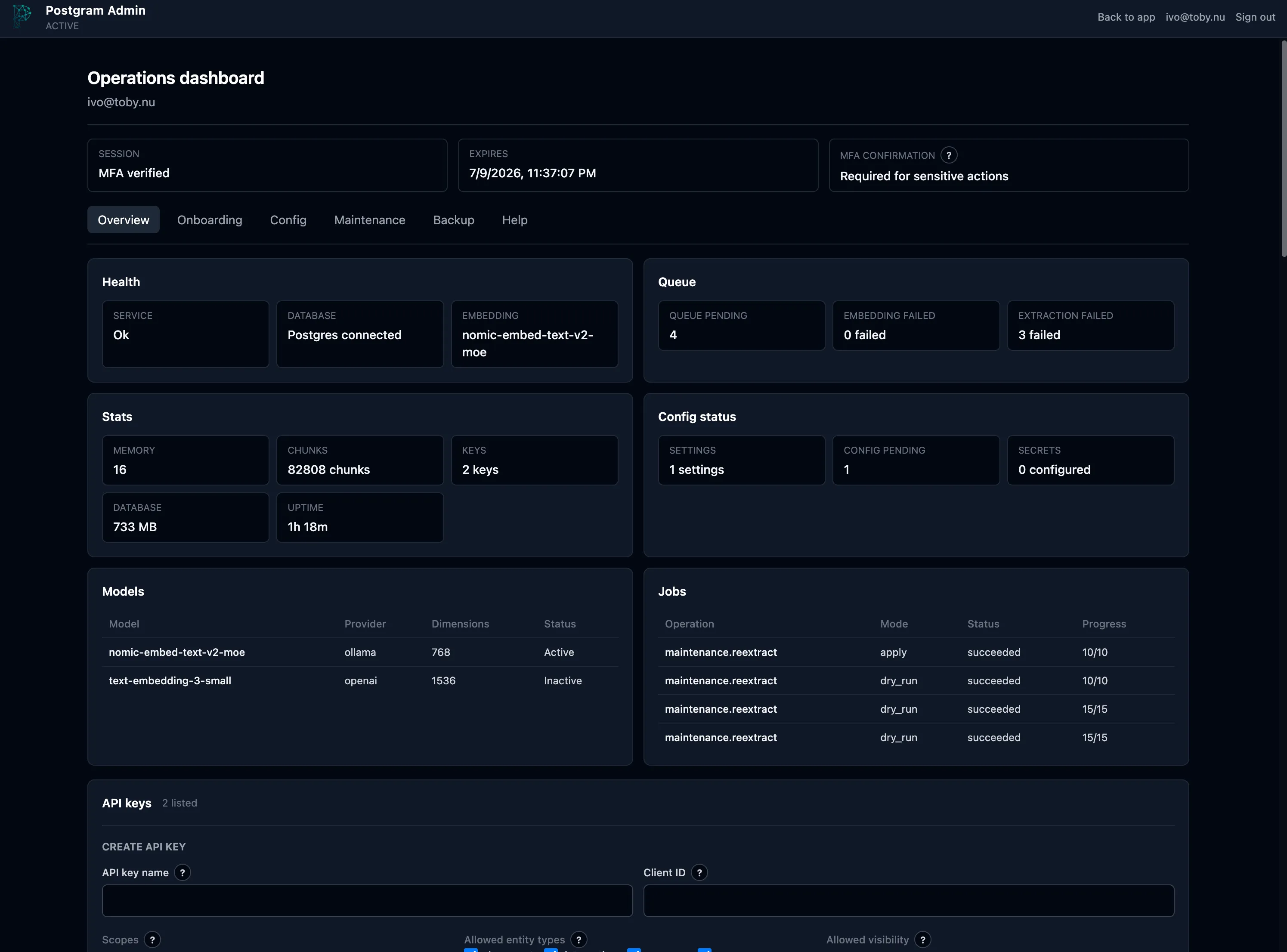
From first start to a configured instance
Section titled “From first start to a configured instance”On a fresh Docker installation, the API container prints a one-time bootstrap
token. Open http://127.0.0.1:3000/admin, paste that token, create the first
admin, and enroll MFA. After the first active MFA login, Postgram opens the
guided onboarding flow automatically.
The onboarding guide explains provider and model settings, write-only secrets, validation and apply, backup and restore, and maintenance dry-runs. Progress is stored in Postgres, so a refresh, sign-out, browser close, or ordinary container restart resumes at the last saved step. The Onboarding tab remains available after the guide is skipped or completed.
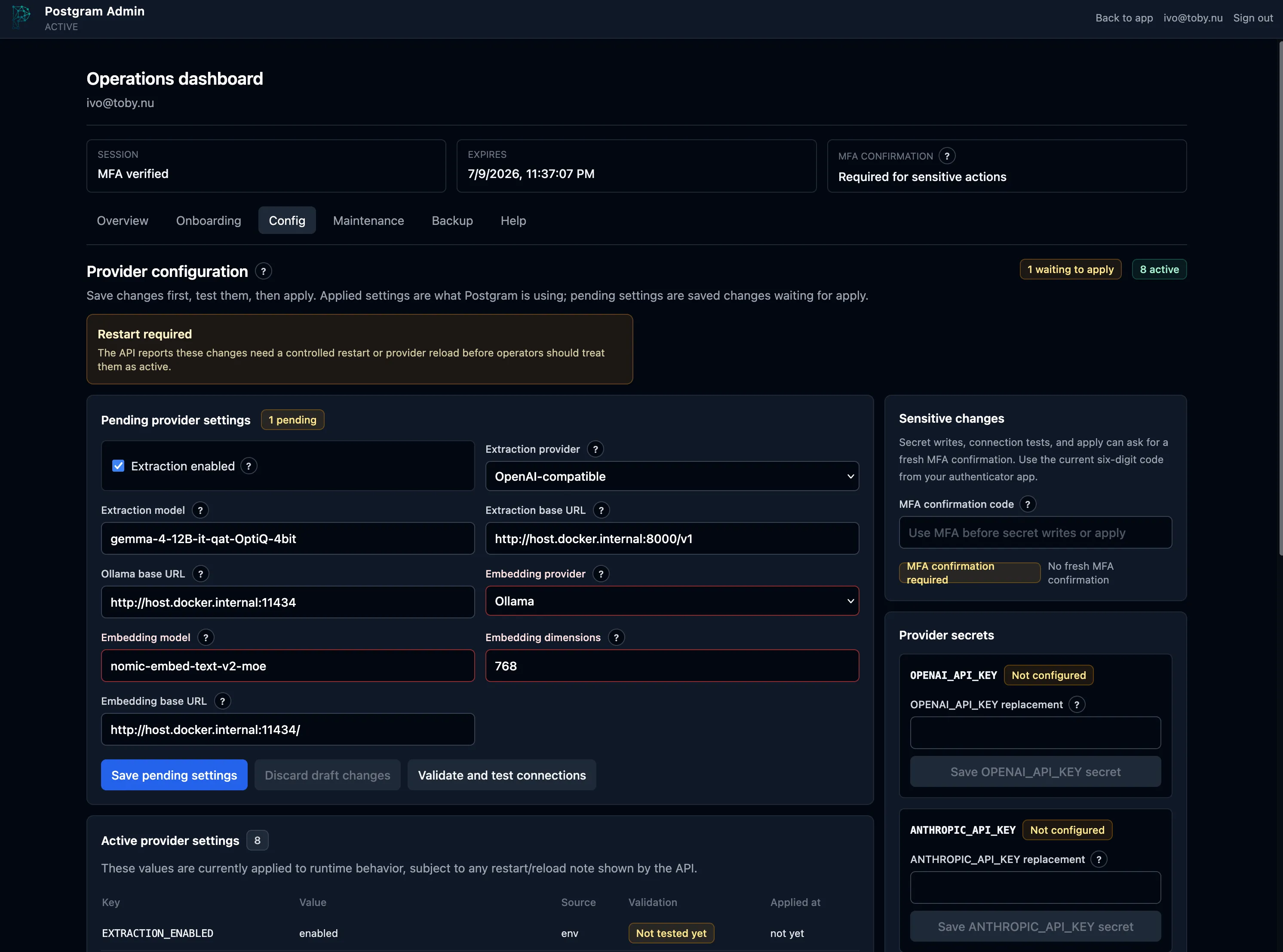
Guardrails for operator work
Section titled “Guardrails for operator work”The interface keeps risky actions deliberate:
- Provider changes are saved and validated before they are applied.
- Provider secrets are write-only and never returned in plaintext.
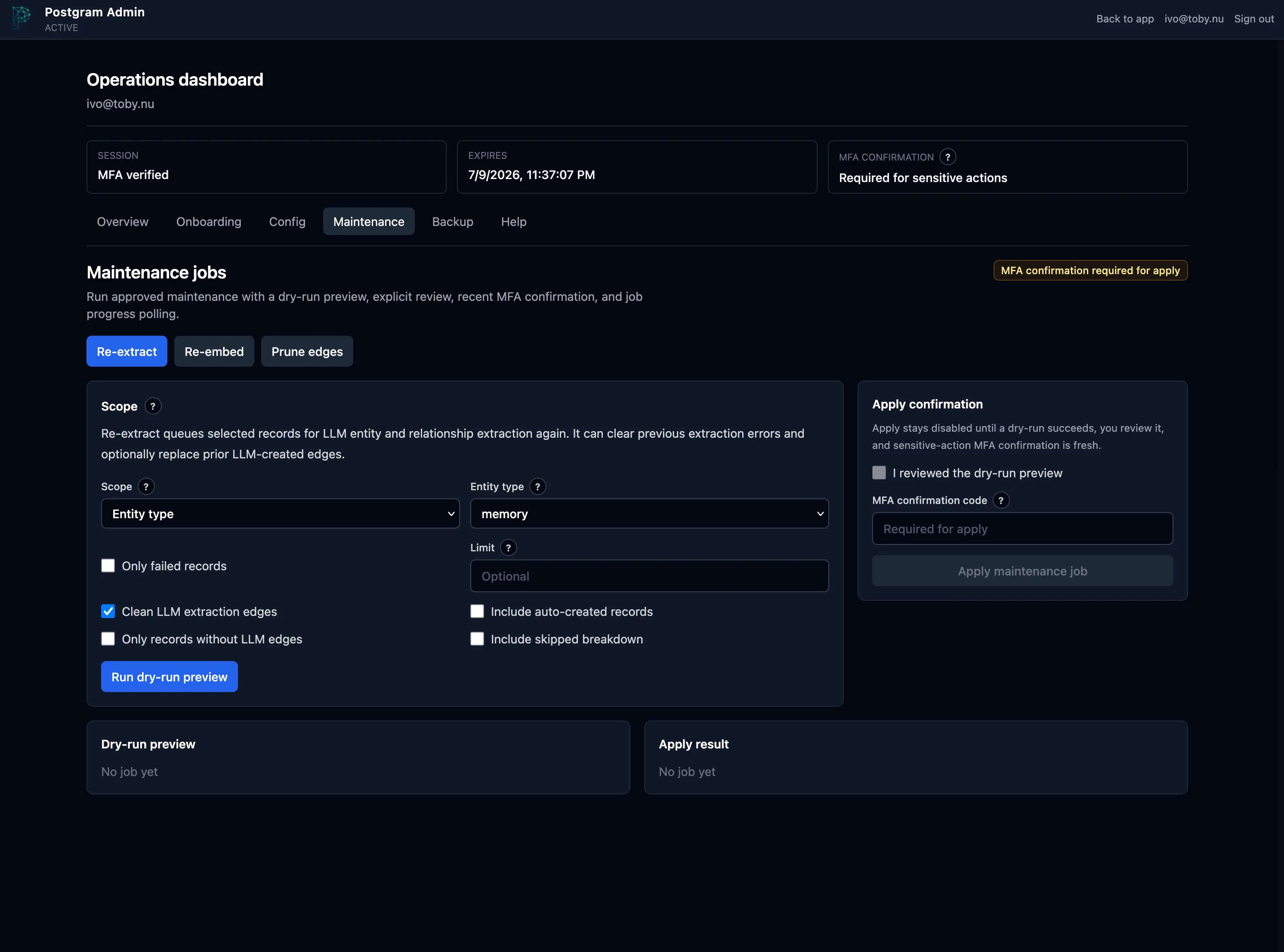
- Maintenance starts with a dry-run preview and explicit review.
- Sensitive actions require a fresh six-digit MFA confirmation.
- Restore writes into a new database and checks health before switch-over, leaving the old database available for rollback.
The browser interface is intentionally not raw CLI parity. Emergency recovery,
embedding migrations, raw SQL inspection, and advanced operator jobs remain in
pgm-admin; everyday setup and maintenance now have a safer, more approachable
home.
See the Admin Interface guide for the complete setup flow, Docker resume warning, and a tour of every Admin tab. The onboarding state work landed in Postgram PR #95.