Typed working knowledge
Store memories, documents, people, projects, tasks, interactions, and decisions as inspectable source objects.
Open-source productivity and knowledge infrastructure
Postgram is a self-hosted productivity and private knowledge backend, not just an agent-memory product. Humans and agents share one inspectable corpus of notes, documents, tasks, people, projects, decisions, and working context through the Web UI, MCP, REST, and CLI. It is built for personal and small trusted-team infrastructure.
New: set up, maintain, and back up Postgram from the Admin interface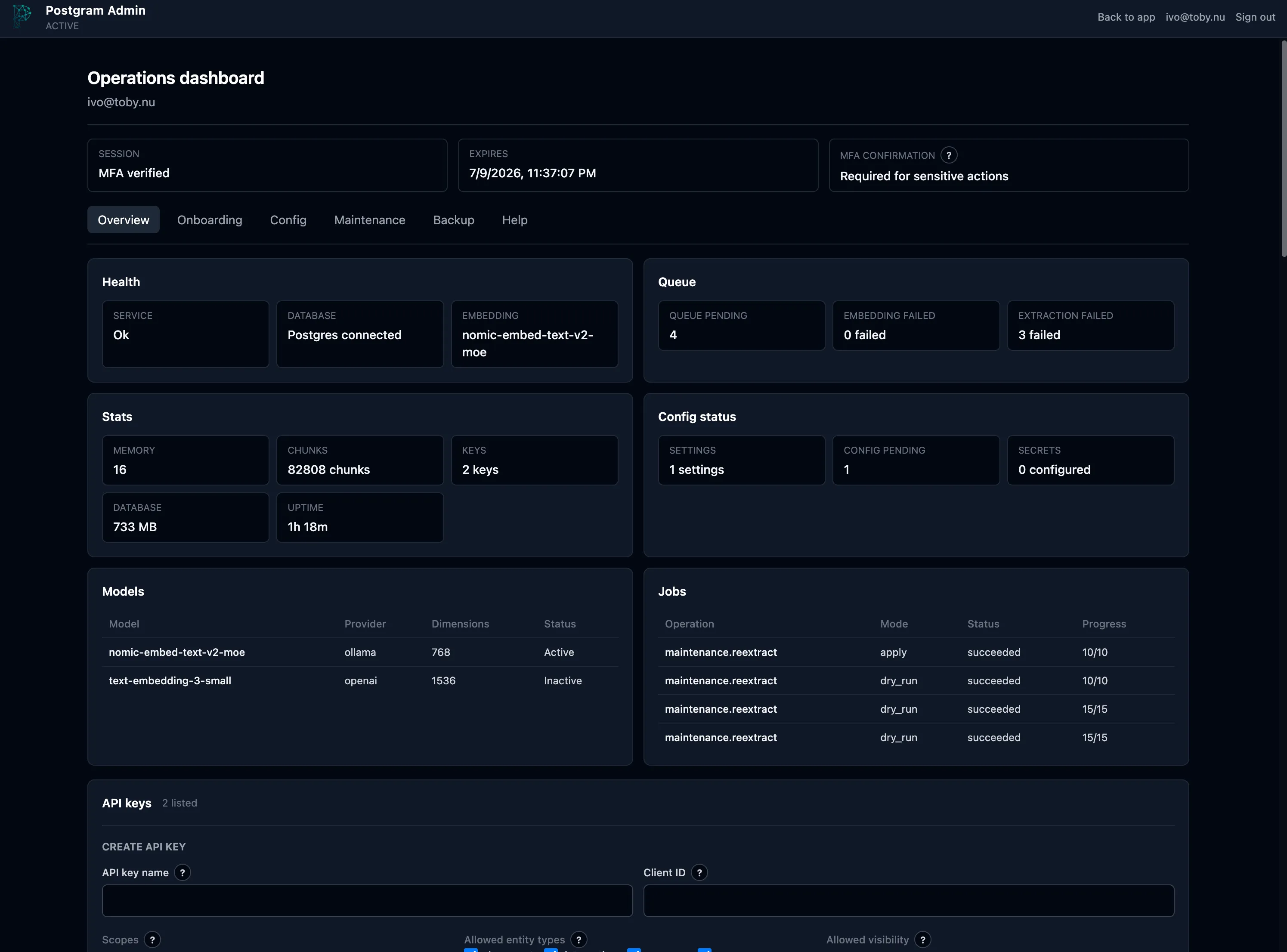
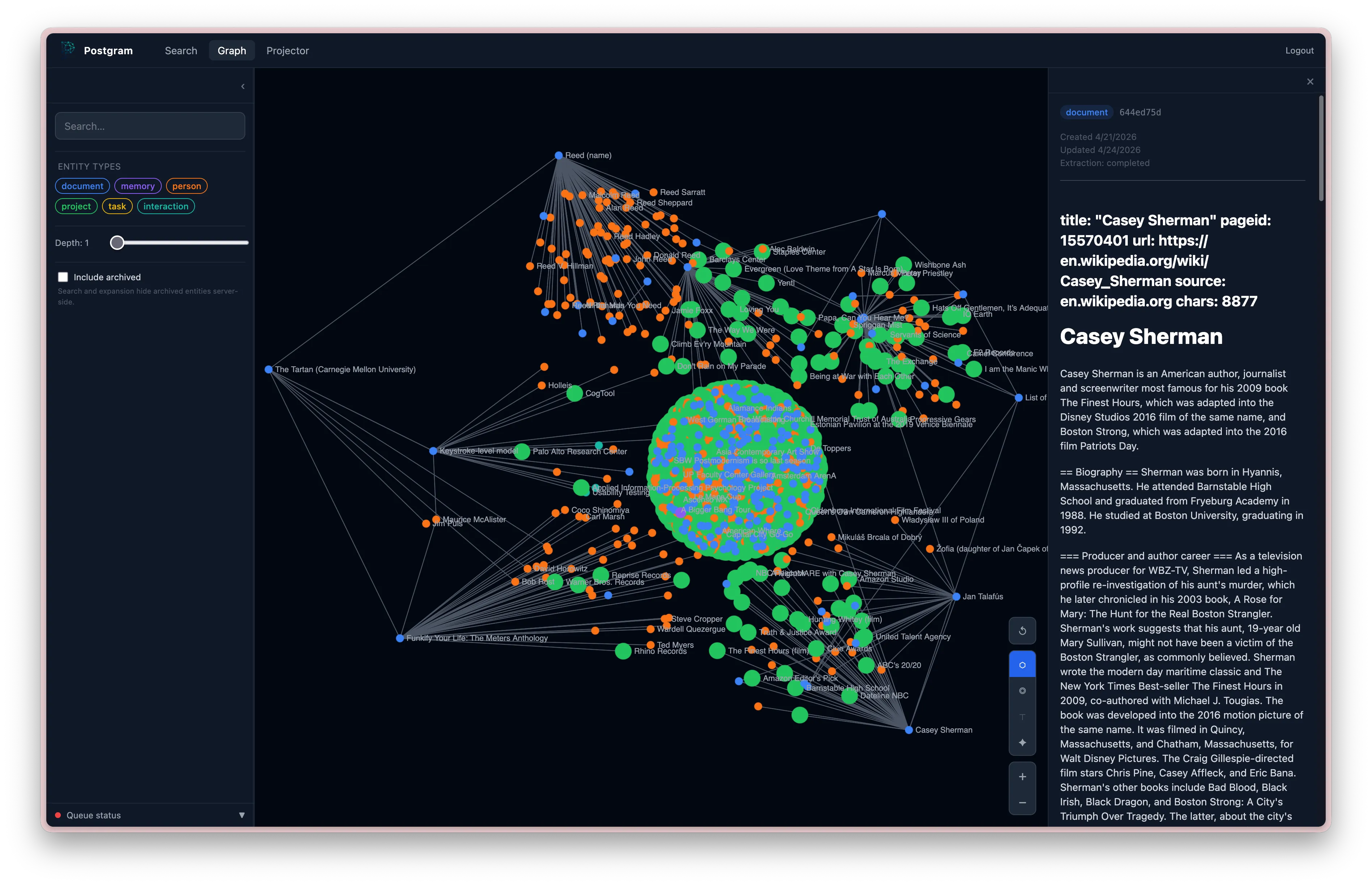
Postgram is more than an agent-memory layer. It preserves source objects, relationships, search results, role-aware recall, and operational control over what becomes graph data. Compact search results show when graph context exists before an agent spends tokens expanding it.
Store memories, documents, people, projects, tasks, interactions, and decisions as inspectable source objects.
Set up providers, create API keys, inspect health, run maintenance, and manage backups from a guarded Admin interface; Markdown folder sync remains a CLI workflow.
Show agents when search results have related graph context, then expand only when the question needs it.
Use one corpus through the Web UI, MCP, REST, and the pgm CLI, including OAuth connectors for eligible ChatGPT accounts and Claude.
A guided onboarding flow takes you from first-admin bootstrap and MFA to provider configuration. After setup, the same interface keeps health, API keys, maintenance jobs, and staged backups close at hand.
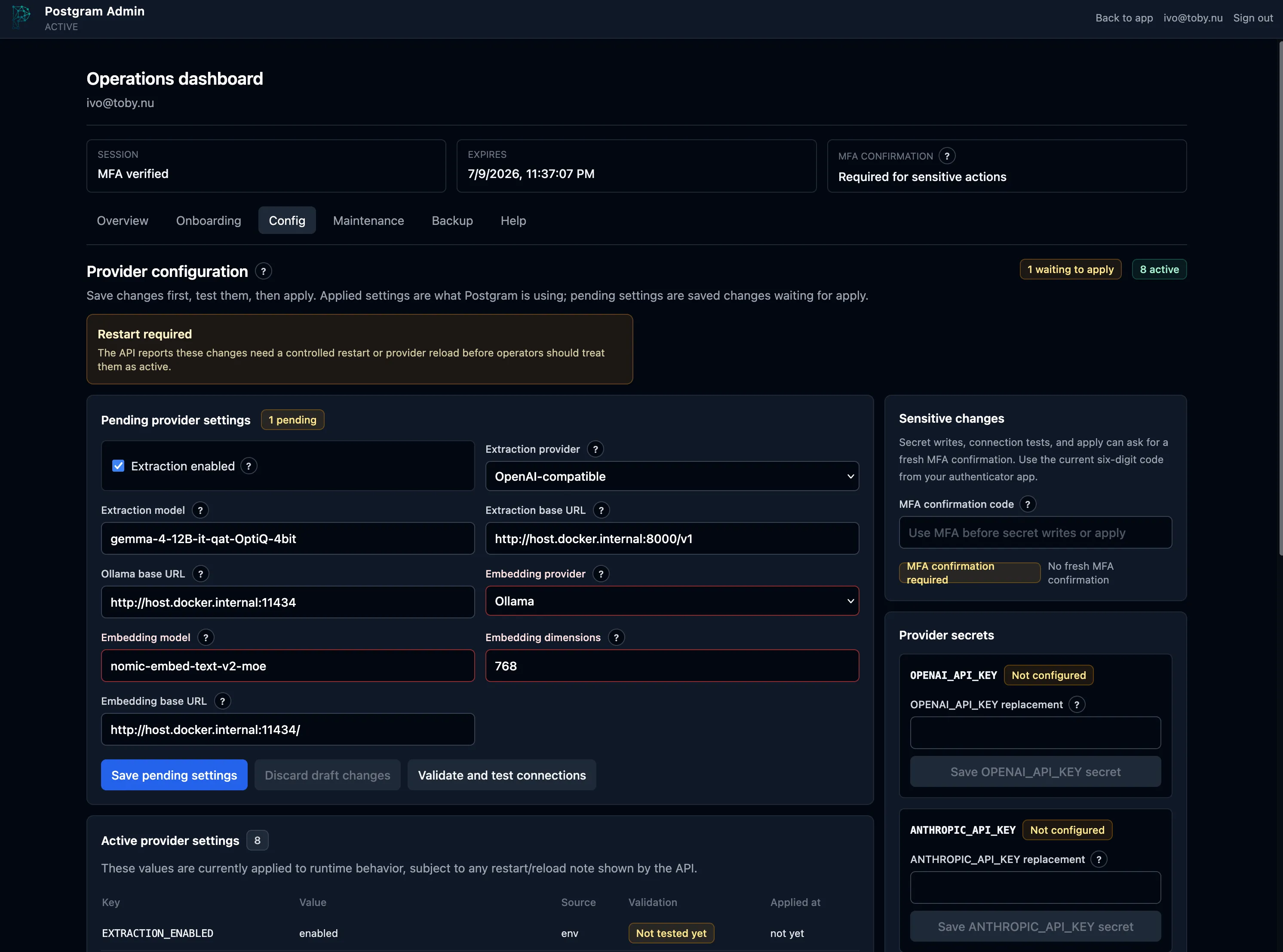
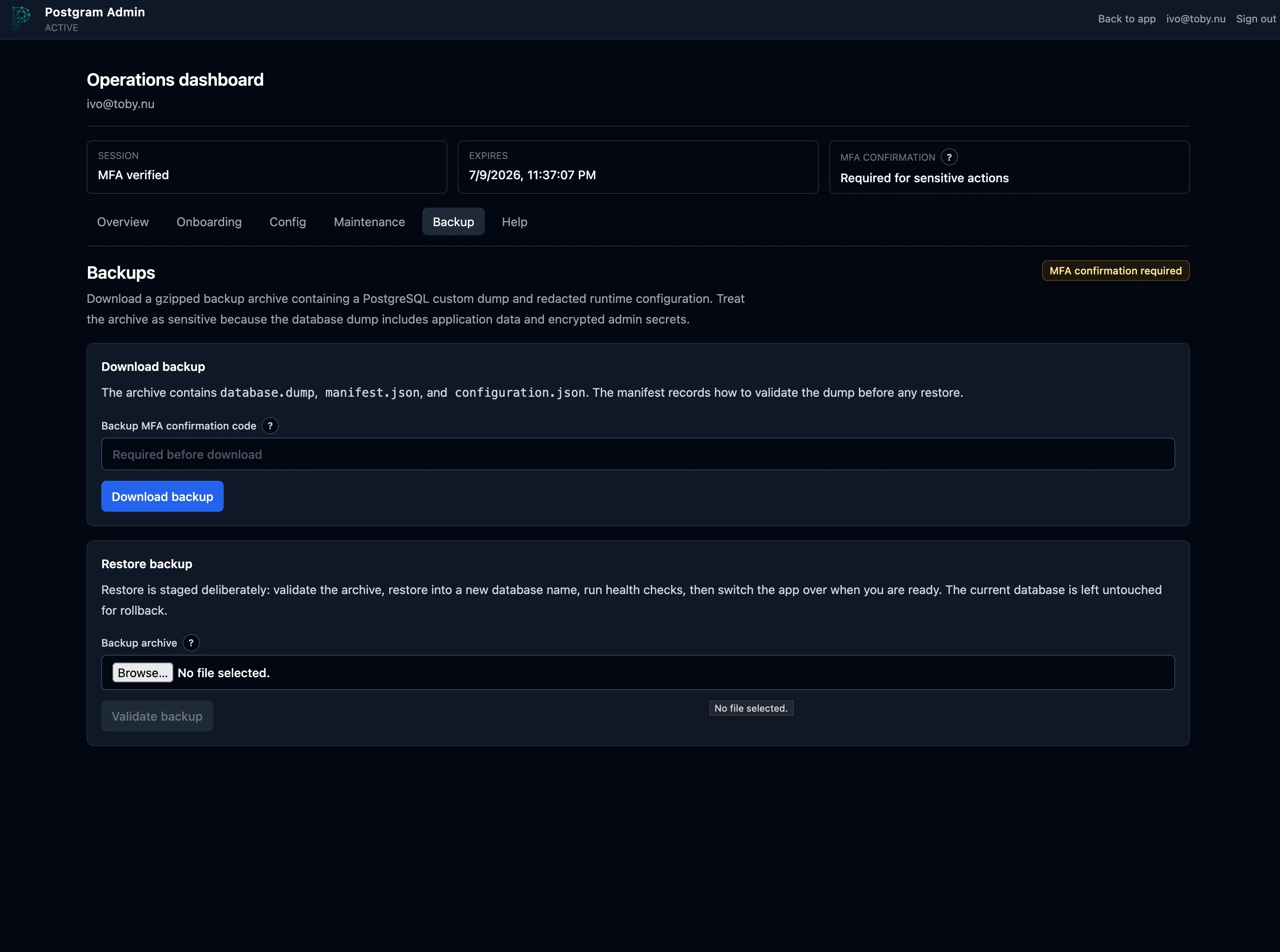
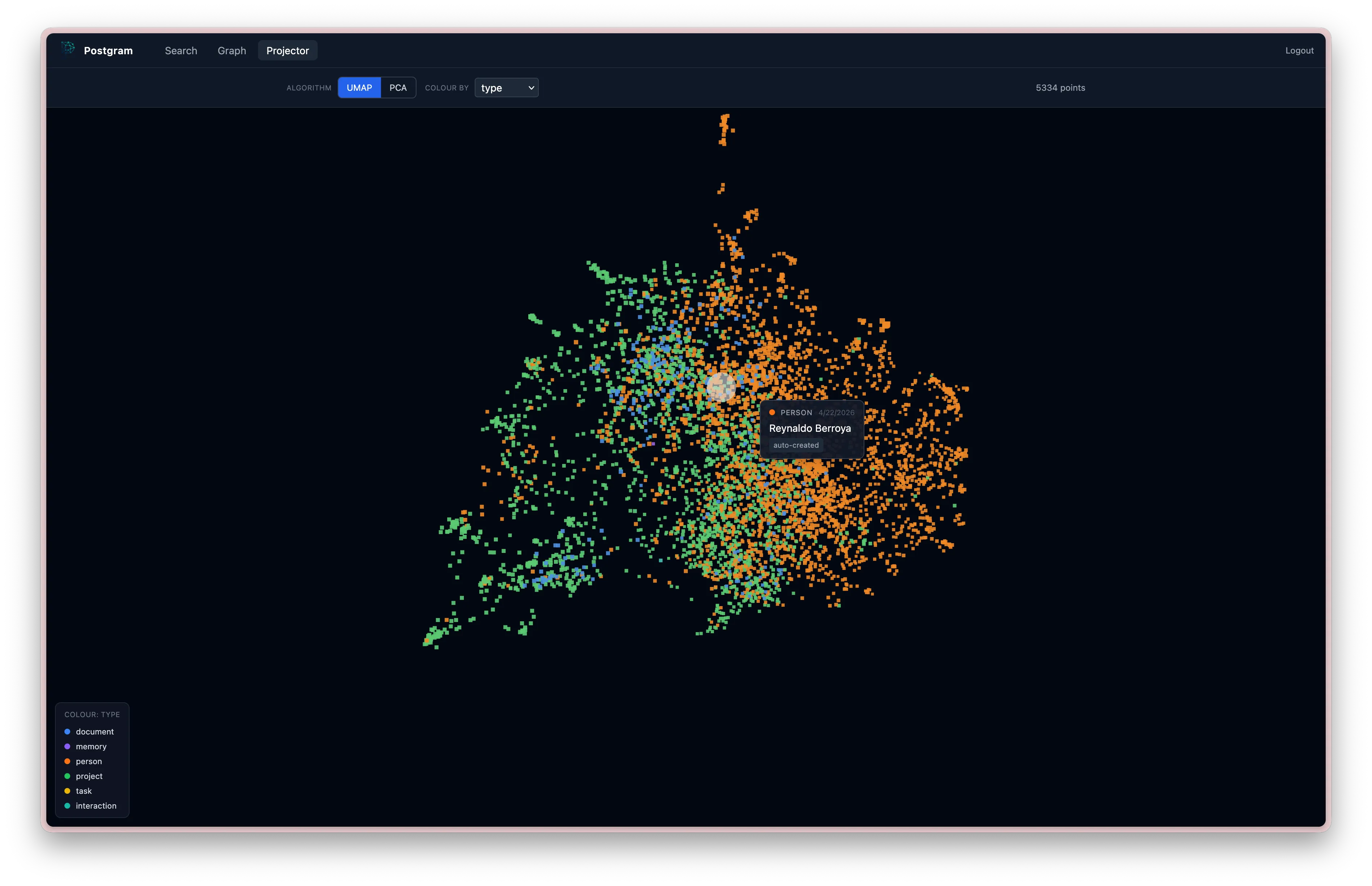
Use the UI for search, memory-role filters, and graph exploration, while agents use the same backend through authenticated interfaces.
Clone Postgram, then choose host Ollama with bge-m3 or set a real OpenAI key before Compose starts.
Run Docker Compose, recover the one-time bootstrap token, create the first admin, enroll MFA, and apply validated provider settings.
Create a scoped API key, wait for enrichment, then smoke-test the CLI before connecting agents.
Want Postgram without operating it yourself? Managed private instances are being explored. Read the note.